
Strava to Instinct: workouts ready when you ask
Forward Strava's monthly recap (or automate per-activity mail) so Instinct can talk about your training in plain language.
Outcome
Instinct can reference recent runs, rides, and load when you ask about energy, scheduling, or "what did I train this week?" You get citeable activity titles, distances, duration, and pace/speed: not a full GPS dump: which is usually enough for coaching-style questions.
What gets sent
- Monthly Stat Recap stats (when using Strava's own newsletter email)
- Or via automation: activity name, sport type, distance, moving time, elevation
- Optional: links back to the Strava activity page
Tips & gotchas
- Bulk "Download your account" archives are for backup, not a live feed: don't rely on them for day-to-day Instinct context.
- Prefer summaries over FIT/GPX attachments unless you specifically want file-level detail.
- If monthly emails never arrive, toggle Email newsletter off/on and search your inbox for the recap subject.
How to send
Goal: one email lands in your bot today.
Show me how to connect Strava to Instinct Hide setup instructions
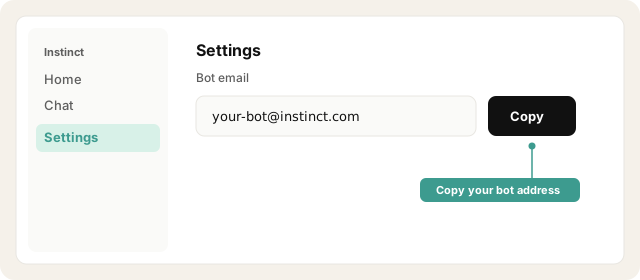
Copy your bot address from Instinct → Settings.
Open Instinct Settings Opens in a new tab
Paste the address from Instinct → Settings.
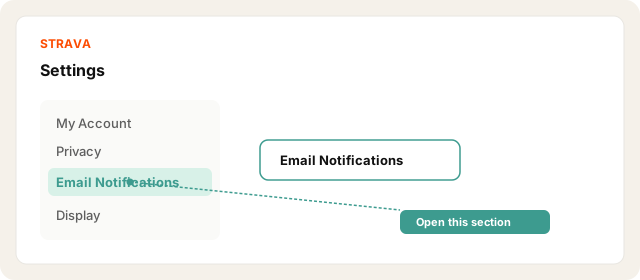
On Strava web: Settings → Email Notifications.
Open Strava email settings Opens in a new tab
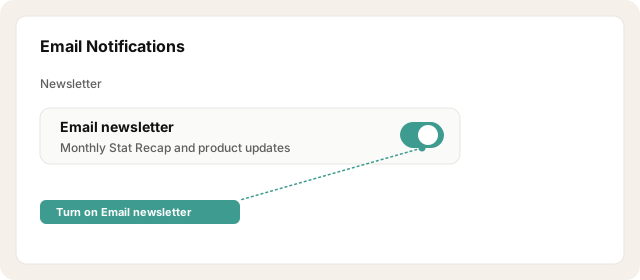
Enable Email newsletter (required for the monthly stats email titled roughly "Your Monthly Stat Recap has arrived").
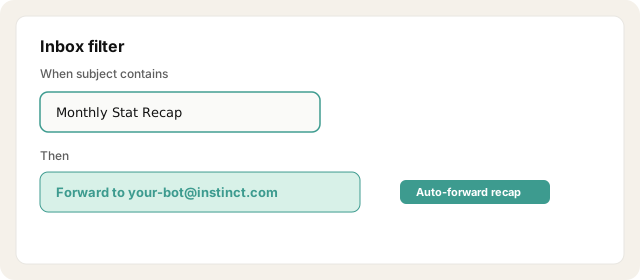
In your personal inbox, create a filter/rule: when subject contains Monthly Stat Recap (or from Strava newsletter), forward to your bot address.
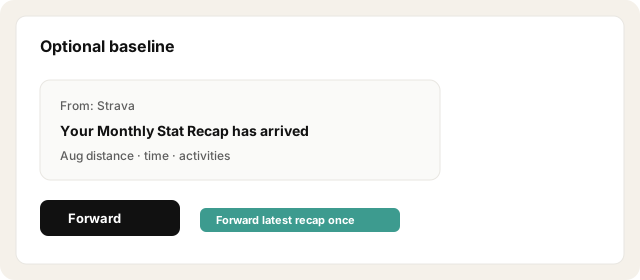
Optionally forward the latest recap once manually so Instinct has a baseline.
Other ways · Per-activity via IFTTT (~10 min)
Open IFTTT Opens in a new tab
Strava does not natively email every activity to a custom address. Use IFTTT (or Zapier) when you want "cite my last workout."
Create an IFTTT applet: trigger Strava → New activity by you.
Action: Email / Gmail send: recipient = your bot address.
Subject example: Strava: {{Distance}} {{ActivityType}}: {{Name}}
Body: name, sport, distance, moving time, elevation, activity URL.
Upload a test activity (or wait for the next one) and confirm Instinct received it.
Try asking Instinct…
After a mail or two lands, try:
What did I train this week?
How does this month's running volume look versus last month?
When was my last long ride, and how long was it?
Suggest an easy day based on what I logged recently.
New to emailing Instinct? Start with a low-risk recipe: Trip-ready travel or Newsletters.

