
Newsletters to Instinct: a reading list that compounds
Forward the newsletters you finish so Instinct can summarize and cross-link themes later.
Outcome
Instinct can summarize what you've been reading, cross-link themes across issues, and answer "what did that industry brief say last week?" without you maintaining a second library. Over time the bot becomes a personal clipping file for the publications you actually finish.
What gets sent
- Newsletter subject, sender, and body (HTML or plain text)
- Links and any inline images the publisher included
- Optionally: your short forward note ("worth saving: AI regs section")
Tips & gotchas
- Marketing blasts and "open for 10% off" mail pollute context: filter by From/List-Id, not by folder alone.
- Prefer forwarding the full issue over clipping screenshots; text is citeable.
- If a list is huge daily, digest weekly manually instead of auto-forwarding everything.
How to send
Goal: one email lands in your bot today.
Show me how to forward newsletters to Instinct Hide setup instructions
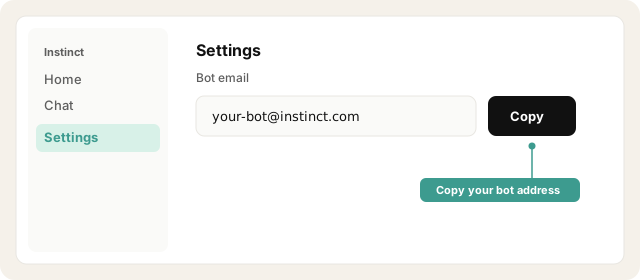
Copy your bot address from Instinct → Settings.
Open Instinct Settings Opens in a new tab
Paste the address from Instinct → Settings.
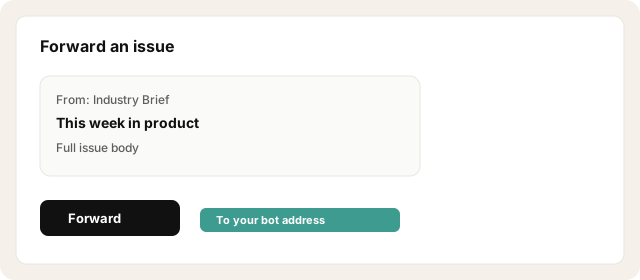
Manual: Open a newsletter → Forward → To your bot address. Add a one-line why-it-matters note at the top if useful.
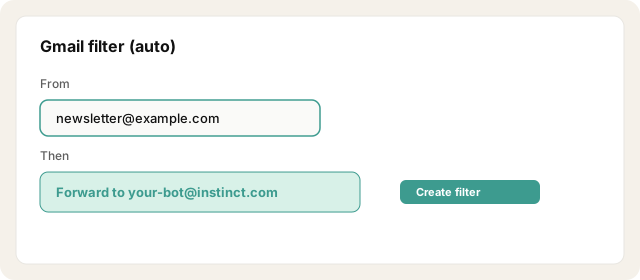
Auto-forward (Gmail example): Settings → Filters → From (newsletter domain or From: address) → Forward to your bot address. Confirm the forwarding verification if your provider requires it.
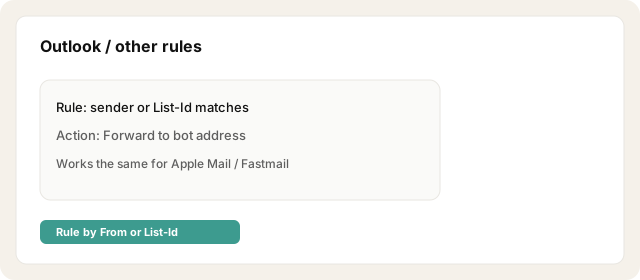
Auto-forward (Outlook / other): Create a rule for the newsletter sender/list-id and forward to the bot address.
Start with 2–5 high-signal lists, not every subscription you ever joined.
Send one test issue and ask Instinct: "Summarize the newsletter I just forwarded."
Try asking Instinct…
After a mail or two lands, try:
Summarize the last newsletter I forwarded.
What themes keep showing up in what I've been reading?
What did that industry brief say about {topic}?
Give me three takeaways from this week's forwards.


