
Travel bookings to Instinct: trip-ready answers
Forward confirmations and schedule changes so Instinct can answer itinerary questions while you travel.
Outcome
Instinct can recite flight numbers, hotel check-in times, booking references, and transfer notes when you're packing or mid-travel. It's the difference between "where do I go after landing?" and scrolling through promotional airline mail.
What gets sent
- Flight: airline, flight number, date/time, airports, PNR / confirmation code, seat if listed
- Stay: property name, address, check-in/out, booking ID
- Ground transport / activity vouchers when you choose to forward them
- Cancellation / schedule-change notices (high value: forward those too)
Tips & gotchas
- Forward confirmations, not every airline marketing blast: tighten filters on subject keywords.
- Confirmation emails contain PII (name, sometimes passport hints). That's expected for travel help; don't share the bot address widely.
- If you rebook, forward the new confirmation and say "supersedes previous {PNR}" so Instinct doesn't mix flights.
How to send
Goal: one email lands in your bot today.
Show me how to forward travel bookings to Instinct Hide setup instructions
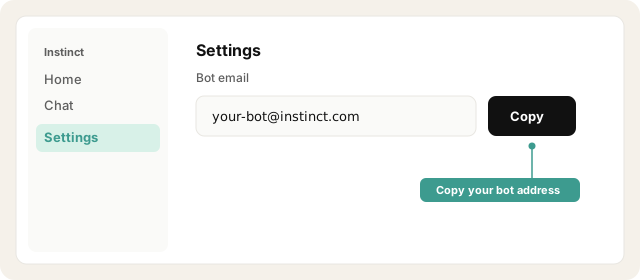
Copy your bot address from Instinct → Settings.
Open Instinct Settings Opens in a new tab
Paste the address from Instinct → Settings.
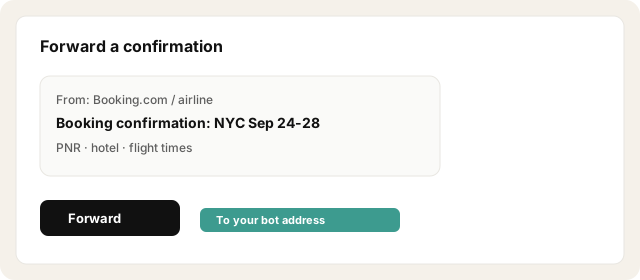
When a confirmation arrives from an airline, OTA (Booking.com, etc.), rail, or car rental → Forward to the bot.
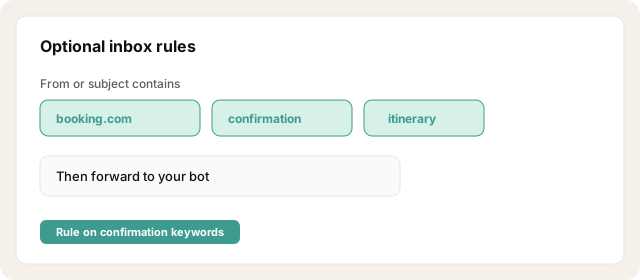
Optional inbox rules: From booking.com / subject contains confirmation → forward; or frequent airlines + keywords itinerary OR confirmation OR booking.
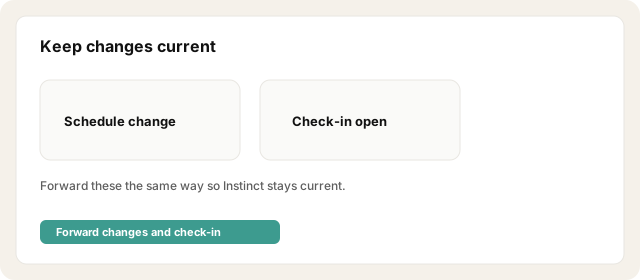
Forward schedule change and check-in open emails the same way so Instinct stays current.
Before a trip, ask Instinct to produce a one-page itinerary from what you've sent.
Try asking Instinct…
After a mail or two lands, try:
What's my itinerary for this trip?
What's my flight number and when do I need to leave for the airport?
What's the hotel check-in time and booking code?
Did any schedule change come in after the original confirmation?


