
Oura to Instinct: sleep and recovery in context
Morning recovery scores email into Instinct so plans respect how rested you actually are.
Outcome
Instinct can weigh sleep score, HRV, resting heart rate, and recovery/readiness before suggesting hard workouts, late meetings, or travel days. You get a short daily pulse instead of another dashboard tab.
What gets sent
- Oura: sleep score, duration, deep/REM, efficiency, lowest HR, average HRV, readiness score
- WHOOP: recovery score, recovery level, HRV, resting heart rate (via IFTTT); optional Health Monitor PDF summaries
- Not required: raw second-by-second PPG streams
Tips & gotchas
- Prefer scores + sleep stages over full account exports; Instinct answers better from small daily facts.
- IFTTT free polling can lag (~hourly); Pro is snappier for "before I plan my day."
- Don't paste medical diagnoses or third-party athlete data you don't have rights to share.
How to send
Goal: one email lands in your bot today.
Show me how to connect Oura to Instinct Hide setup instructions
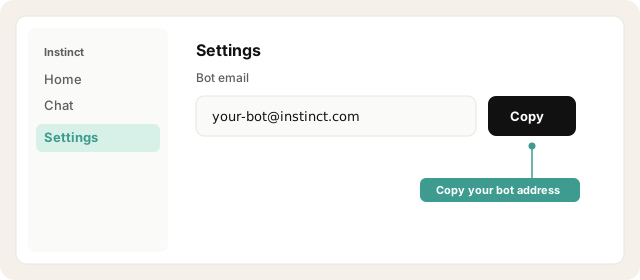
Copy your bot address from Instinct → Settings.
Open Instinct Settings Opens in a new tab
Paste the address from Instinct → Settings.
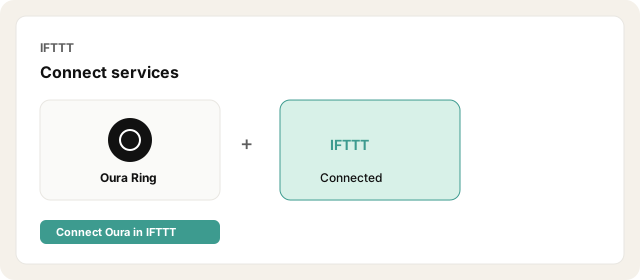
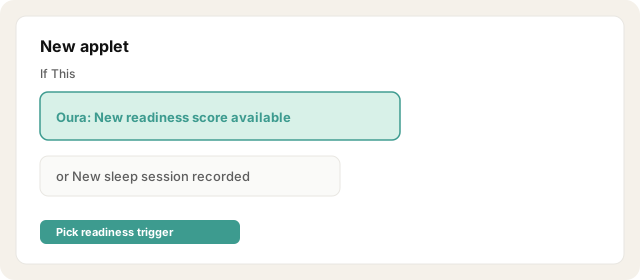
Create an applet: trigger New readiness score available (or New sleep session recorded).
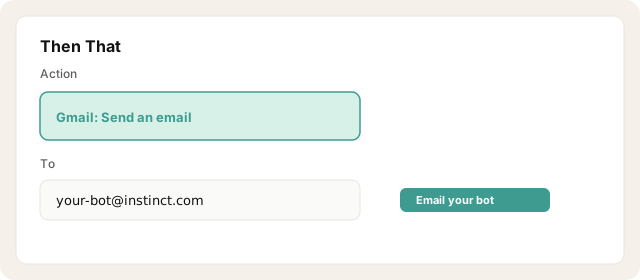
Action: Gmail → Send an email (or Email → Send me an email routed via a filter). Set To to your Instinct bot address.
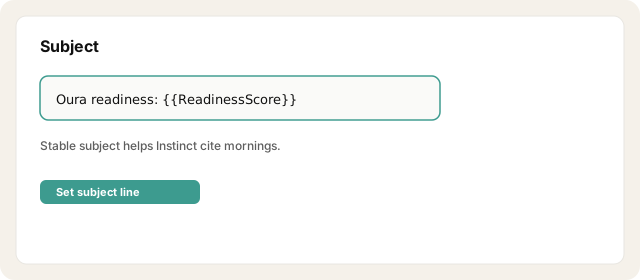
Subject: Oura readiness: {{ReadinessScore}} (or sleep score equivalent).
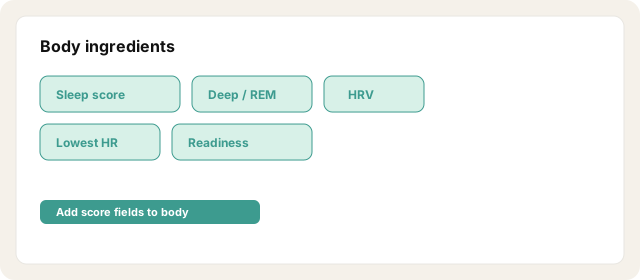
Body ingredients: sleep score, total/deep/REM duration, efficiency, lowest HR, average HRV, readiness.
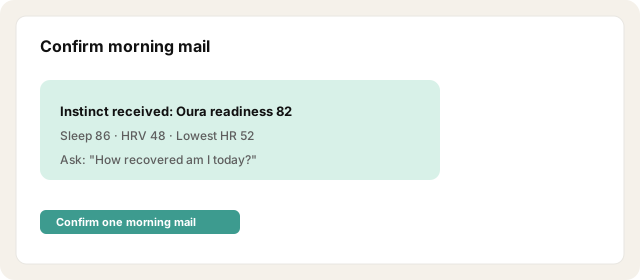
Confirm one morning email lands in Instinct.
Other ways · WHOOP via IFTTT
Connect WHOOP in IFTTT.
Trigger: New recovery score.
Action: email your bot address with recovery score, HRV, RHR, and recovery level.
Optional weekly: WHOOP app → Health Monitor → share/export 30-day PDF and email to Instinct.
WHOOP CSV export is weak for live use: it emails a download link, not the CSV inline. Use only for historical dumps.
Other ways · Oura Shareable Reports (occasional)
In the Oura app: Reports → Shareable Reports.
Generate sleep / daily movement PDF and email it to your bot address.
Use for clinician-style snapshots, not daily automation.
Try asking Instinct…
After a mail or two lands, try:
What's my readiness like this morning?
How has my HRV trended over the past week?
Should I push hard today or keep it light?
Summarize last night's sleep in one short paragraph.
New to emailing Instinct? Start with a low-risk recipe: Trip-ready travel or Newsletters.

