
Readwise to Instinct: highlights that stick
Pipe Readwise daily reviews into Instinct so quotes survive past the book. Kindle-only export is slower and manual.
Outcome
Instinct can resurface lines you cared about when you're writing, deciding, or studying: "What did I highlight about pricing?": instead of leaving wisdom trapped in a Kindle notebook. Spaced-repetition review mail becomes long-term assistant memory.
What gets sent
- Highlight text, book/article title, author (when present)
- Your notes/tags if included in the export or daily review
- Source metadata (Kindle notebook HTML, or Readwise review email body)
Tips & gotchas
- Forwarding Readwise reviews duplicates content you already have in Readwise: that's fine if Instinct is where you ask questions.
- Don't send entire book PDFs; highlights only.
- Copyright: personal highlights for private assistant use are the intent: don't ask Instinct to reproduce long copyrighted passages verbatim for publishing.
How to send
Goal: one email lands in your bot today.
Show me how to connect Readwise to Instinct Hide setup instructions
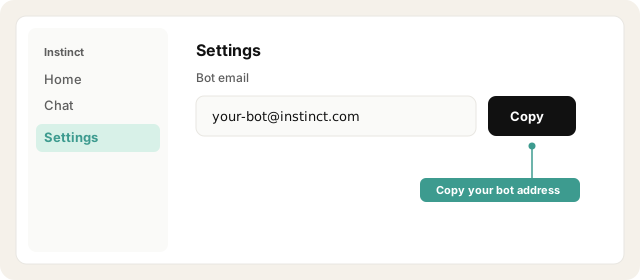
Copy your bot address from Instinct → Settings.
Open Instinct Settings Opens in a new tab
Paste the address from Instinct → Settings.
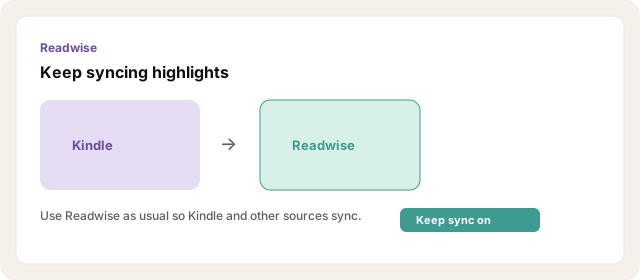
Use Readwise as usual so Kindle (and other) highlights sync.
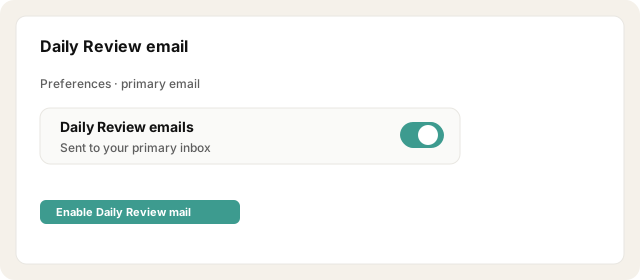
Ensure Daily Review emails are enabled (Readwise preferences / primary email).
Open Readwise preferences Opens in a new tab
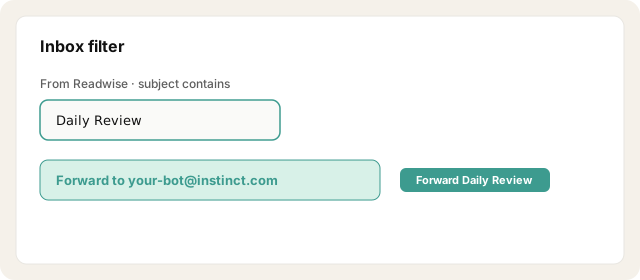
In your inbox, create a filter: from Readwise / subject like Daily Review → forward to your bot address.
Optionally forward a few older reviews once for a seed set.
Ask Instinct to store them as reference notes ("Remember these highlights for writing").
Other ways · Kindle export (no Readwise)
Kindle alone is a weaker path: there is no reliable native "every highlight emails itself" without Readwise or a helper.
Kindle mobile app → open book → Notebook → Share / Export Notebook → Email.
Send the HTML export to your bot address.
On e-ink Kindles, export notes (often PDF/CSV) and email the file to the bot.
Repeat per book when you finish a chapter batch.
Other ways · My Clippings.txt
USB the Kindle → copy My Clippings.txt.
Email the file as an attachment to your bot address with subject Kindle clippings.
Try asking Instinct…
After a mail or two lands, try:
What have I highlighted lately about pricing?
Resurface three highlights I might use in writing today.
Which book have I marked up the most recently?
Remind me of my note on {idea} if I saved one.

