
PostHog to Instinct: product signals ready when you ask
Each important PostHog event emails your Instinct bot so registrations, upgrades, and product moments are citeable in chat.
Outcome
Instinct can answer "Did anyone register today?", "What just upgraded?", or "Summarize the product events you got this week?" from the event emails you route over. PostHog stays the analytics source of truth. Instinct becomes the conversational side channel for the events you choose.
What gets sent
- Event name (example: user_registered, subscription_started, request_recipe_submit)
- Timestamp and distinct id when you include them
- A short set of key properties you pick (plan, source, product name, and so on)
- Optional link back to the person or event in PostHog
- Not required: full event firehoses, session recordings, or every $pageview
Tips & gotchas
- Override To: Workflow Email defaults to the person who triggered the event. Always set To to the Instinct bot for this recipe.
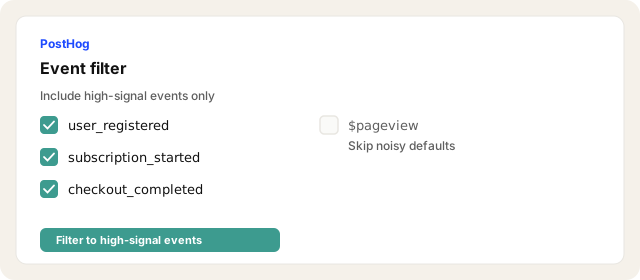
- Filter hard: One or two registration-class events beat a firehose of
$pageview. - DNS once: SPF/DKIM verification is one-time per sending domain. Closer to ~5 min if the Email channel is already verified; closer to ~10 min the first time.
- PII: Only include properties you are fine storing in Instinct.
- Not a pager: Keep Slack or PagerDuty for on-call. Instinct is for asking later in plain language.
- Alerts still useful: Keep Insight Alerts for thresholds; use Workflows Email for something-registered moments.
How to send
Goal: one email lands in your bot today.
Show me how to connect PostHog to Instinct Hide setup instructions
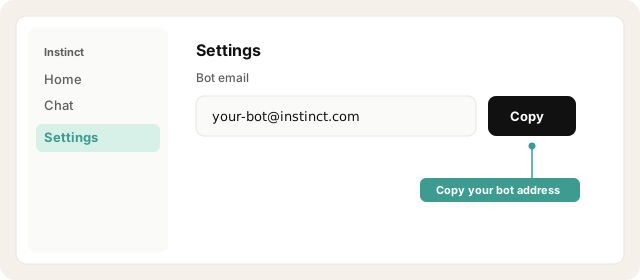
Copy your bot address from Instinct → Settings (your-bot@instinct.com).
Open Instinct Settings Opens in a new tab
Paste the address from Instinct → Settings.
In PostHog open Workflows → Channels → + New channel → Email.
Open PostHog Workflows Opens in a new tab
Set from name and from email on a domain you control. Add the SPF and DKIM records PostHog shows, then wait until the domain shows verified.
Create a workflow. Set the trigger to the event you care about (example: request_recipe_submit, or your signup/upgrade event).
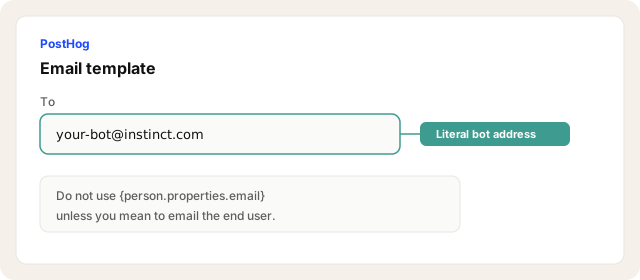
Drag an Email dispatch under the trigger. Set From to your verified channel sender and To to your Instinct bot address (literal, not the triggering person's email).
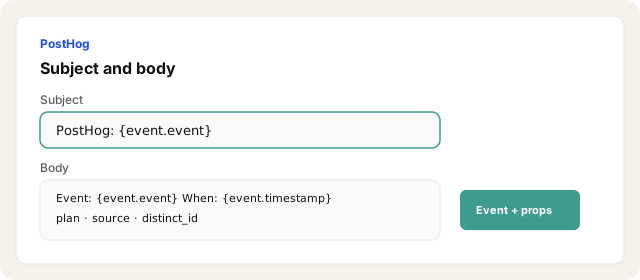
Configure the email subject and body with the event name, timestamp, distinct id, and 3 to 5 properties you will ask about later.
Enable / launch the workflow and fire a test event.
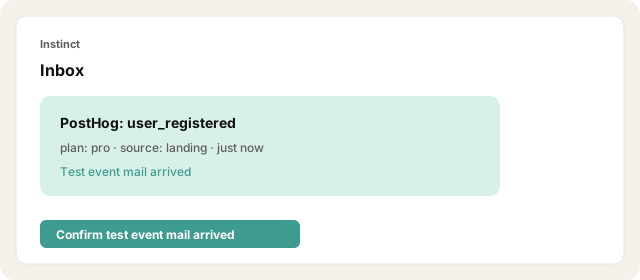
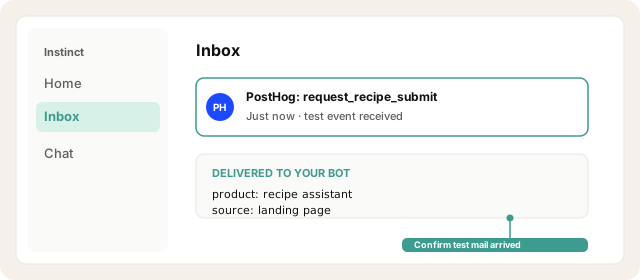
Confirm Instinct received the test mail.
Other ways · CDP Mailgun (optional, ~10 min)
Use if you already run Mailgun or prefer CDP destinations over Workflows.
Copy your Instinct bot address.
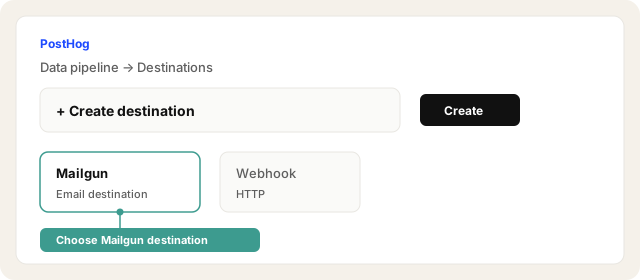
Data pipeline → Destinations → + Create → Mailgun.
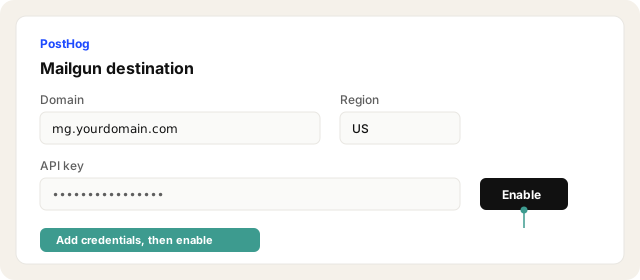
Add domain, API key, region.
Set To to the Instinct bot (literal). Subject/body: event name + key properties.
Filter to high-signal events. Test.
Other ways · Insight Alerts (~2 min, thresholds)
Use when you care about metric breaches (signups over 100/day), not each event.
Open the insight → Actions → Alerts → New alert.
Set series, threshold, check interval.
Add email recipient with your Instinct bot address.
Create and confirm delivery when it fires.
Other ways · Webhook → Zapier/Make → email (~10 min)
CDP webhook or workflow webhook dispatch → automation tool → send email to the bot. Useful if Email channel DNS is blocked and you need a bridge.
Try asking Instinct…
After a mail or two lands, try:
Did anyone register today?
Summarize the PostHog events you got this week.
What was the last upgrade or checkout event you saw?
Which product signals came in since yesterday?


