
Better Stack alerts to Instinct
Route uptime and error emails into Instinct for conversational awareness. Keep real paging in your monitor.
Outcome
Instinct can summarize new issues, say whether something is still firing, and connect an incident to the deploy you shipped an hour earlier. You still keep real paging in Better Stack or Sentry: Instinct adds conversational situational awareness.
What gets sent
- Issue / incident title, severity or status, project or service name
- First / last seen, short failure cause when included
- Link back to the Better Stack incident (or Sentry issue)
- Event type: started / resolved / reopened
Tips & gotchas
- Cap volume: email Instinct on new issues or incidents, not every event occurrence.
- Strip or avoid PII in custom bodies: error payloads sometimes contain user emails or tokens.
- Instinct is a side channel: keep on-call routing in Better Stack / Sentry / PagerDuty as the system of record.
- Sentry: hard to email non-members; prefer Better Stack's native outgoing email when you can.
How to send
Goal: one email lands in your bot today.
Show me how to connect Better Stack to Instinct Hide setup instructions
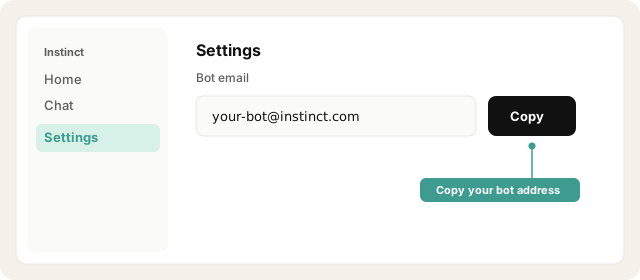
Copy your bot address from Instinct → Settings. (Don't email a placeholder: use your real bot inbox.)
Open Instinct Settings Opens in a new tab
Paste the address from Instinct → Settings.
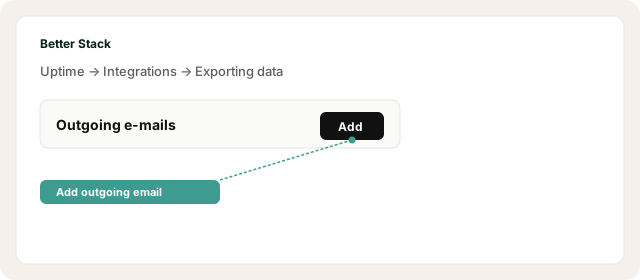
In Better Stack go to Uptime → Integrations → Exporting data → Outgoing e-mails → Add.
Open Better Stack email export Opens in a new tab
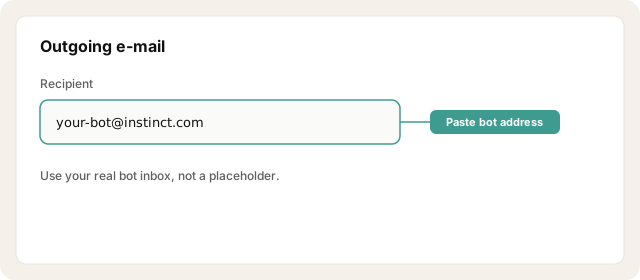
Add your bot address as the recipient.
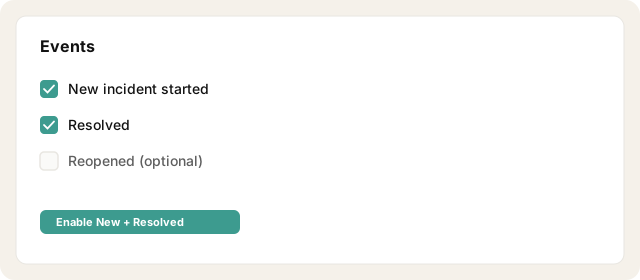
Enable events: New incident started, Resolved, and optionally Reopened.
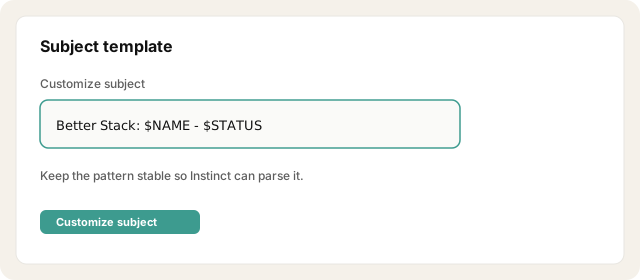
Customize the subject to something stable, e.g. Better Stack: $NAME ($STATUS).
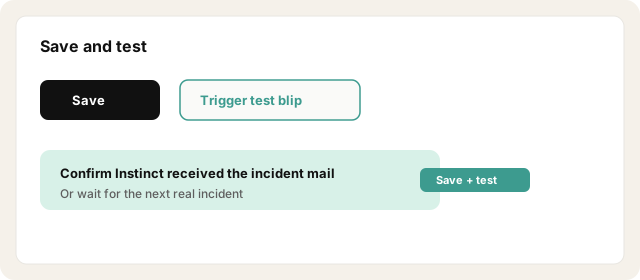
Save the integration, then trigger a test monitor blip (or wait for the next real incident) and confirm Instinct received it.
Other ways · If you use Sentry
Sentry alert rules cannot email a random non-member address. Pick one workaround:
1. Forward workaround (usually easiest)
Keep Sentry alerts emailing you.
Create an inbox filter: From Sentry → forward to your Instinct bot address.
Limit to high-priority production issues so Instinct isn't spammed.
2. Invite workaround
Invite your bot address as a Sentry org member (if it can receive/verify the invite), then create an Issue Alert → Send a notification via email targeting that member.
3. Webhook → email
Sentry webhook → Zapier/Make → email the bot when you need custom formatting. Template: Subject: "Sentry {level}: {project} ({title})" Status: {status} Culprit: {culprit} First seen: {first_seen} Link: {permalink}
Try asking Instinct…
After a mail or two lands, try:
Any new incidents since yesterday?
Is anything still open, or did it resolve?
Summarize the latest alert you got from Better Stack.
Tie the last incident to the deploy around that time if you can.

