
Stripe to Instinct: your daily revenue pulse
Schedule Stripe report emails, then forward the CSV when the mail is link-only, so Instinct can cite yesterday's cash pulse.
Outcome
Instinct can speak to yesterday's charges, payouts, and disputes in founder language: "slow day," "refund spike," "payout landed": without you opening the Dashboard mid-focus. Ideal for indie hackers who want a pulse, not a BI stack.
What gets sent
- Scheduled report ready notifications (with download links / report context) for Balance and similar Dashboard reports
- Optional: your Stripe user notification emails (successful/failed payments, disputes, payouts) if you forward them
- Not ideal as a feed: full data-export zips meant for compliance archives
Tips & gotchas
- Report emails often contain links, not data: attach the CSV when you want Instinct to cite numbers reliably.
- Don't forward emails that include full cardholder PII beyond what you need; treat Stripe reports as sensitive.
- Daily schedules cover complete days; don't expect true real-time tick-by-tick revenue in email.
How to send
Goal: one email lands in your bot today.
Show me how to connect Stripe to Instinct Hide setup instructions
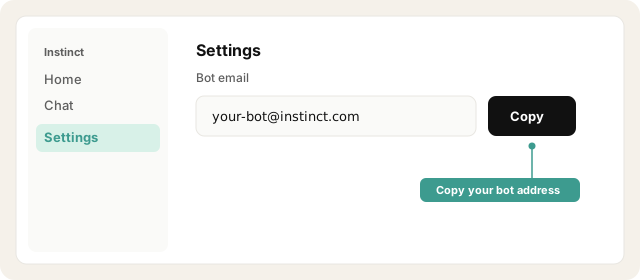
Copy your bot address from Instinct → Settings.
Open Instinct Settings Opens in a new tab
Paste the address from Instinct → Settings.
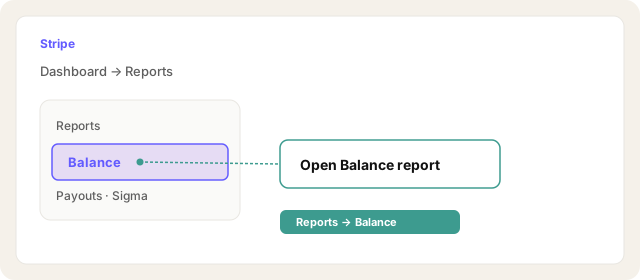
Stripe Dashboard → Reports → open Balance (or the report you care about).
Open Stripe reports Opens in a new tab
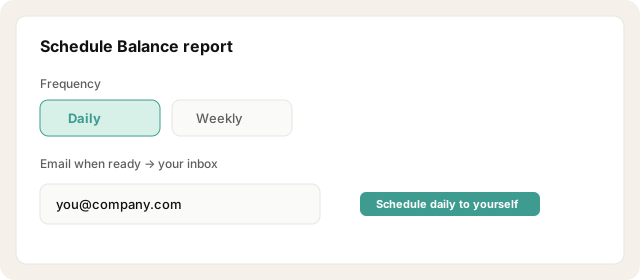
Click Schedule… → frequency Daily → choose columns/currency → save.
Stripe emails you when the report file is ready (often by the next day midday for complete daily windows).
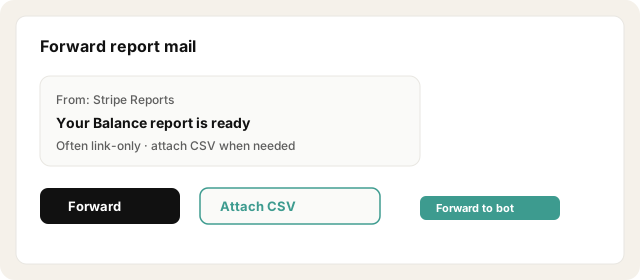
Forward those emails to your bot address, or set an inbox rule: From Stripe + subject contains report → forward to the bot.
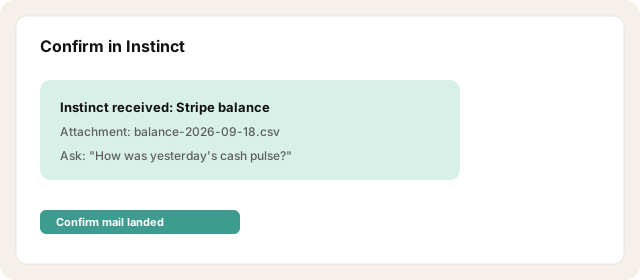
If the email is link-only, download the CSV and forward it as an attachment to Instinct with subject Stripe balance: {date}: required if you want citeable numbers.
Other ways · High-signal Stripe alerts
In Stripe, review communication preferences for payment/payout/dispute emails.
Forward high-signal alerts (disputes, failed payments, payouts) to your bot address; skip noisy per-charge mail if volume is high.
For richer custom digests, schedule a Sigma query email to yourself and forward that instead.
Try asking Instinct…
After a mail or two lands, try:
How was yesterday's Stripe pulse?
Any refunds or disputes I should know about?
Summarize payouts from the last report I sent.
Was it a quiet day or a heavy day for charges?

