
Netlify and Vercel deploys to Instinct
Production deploy succeeded/failed mail so Instinct knows what's live without three dashboards.
Outcome
You can ask Instinct "Did production deploy?" or "What failed last night?" and get an answer from the same thread where you plan fixes. Release context stays next to product and support notes instead of buried in three dashboards.
What gets sent
- Project/site name, environment (production/preview), deploy status
- Commit message / branch when the platform includes it
- Error summary on failures; URLs to the deploy or logs
- Timestamps
Tips & gotchas
- Preview deploys can flood Instinct: filter to production only.
- Don't paste auth tokens or
.envcontents into webhook test payloads. - If Netlify email isn't on your plan, don't fight it: webhook→email is the practical workaround.
How to send
Goal: one email lands in your bot today.
Show me how to connect Netlify to Instinct Hide setup instructions
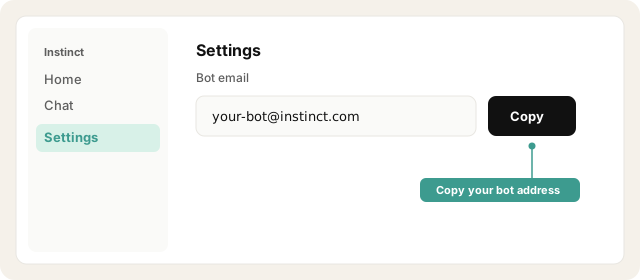
Copy your bot address from Instinct → Settings.
Open Instinct Settings Opens in a new tab
Paste the address from Instinct → Settings.
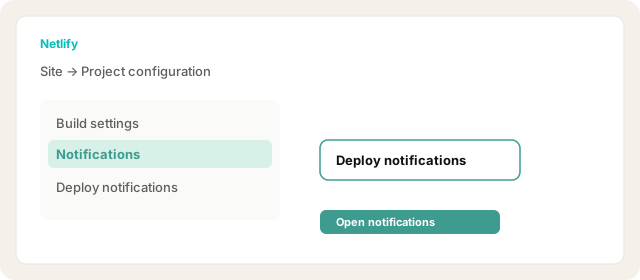
Netlify site → Project configuration → Notifications → Deploy notifications.
Open Netlify notifications Opens in a new tab
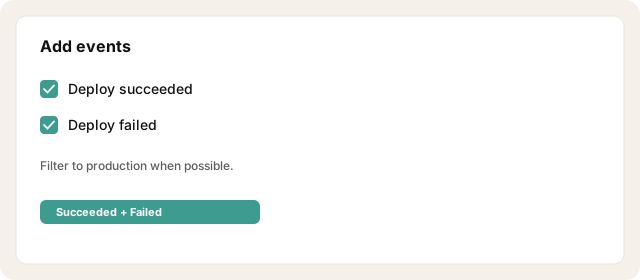
Add notification for Deploy succeeded and Deploy failed (add others if useful).
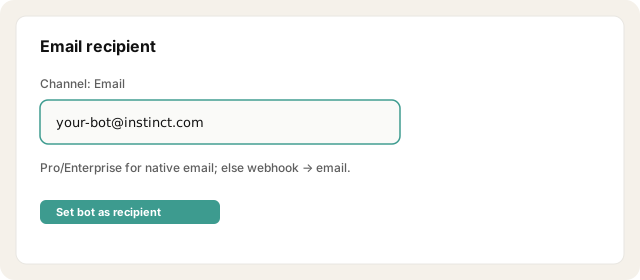
Choose Email, set recipient to your bot address.
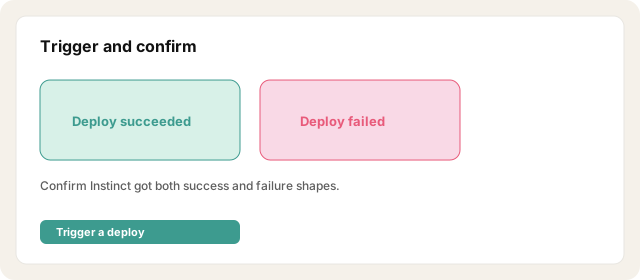
Trigger a deploy and confirm Instinct got both success and failure shapes.
Note: email deploy notifications are on Pro/Enterprise plans: on free tiers, use a webhook → Zapier Email instead.
Other ways · Vercel (~10 min)
Native: Team/user Notifications: enable Deployment failures email (sent to the deployment owner). Forward those to your bot address with an inbox rule.
Success + custom: Vercel Settings → Webhooks → events like deployment.succeeded, deployment.error, deployment.canceled.
Point the webhook at Zapier Catch Hook (or Make) → action Send outbound email to your bot address.
Map project name, URL, target, and git commit message into the email body.
Other ways · Railway (~10 min)
Railway project → Settings → Webhooks → add a webhook URL (Zapier/Make Catch Hook).
On deployment status changes, Zapier Email → your bot address.
Include service name, status (SUCCESS/FAILED/CRASHED), and deployment ID/URL.
Railway's own emails skew toward failures/crashes: webhooks are the reliable path for success events too.
Try asking Instinct…
After a mail or two lands, try:
Did production deploy successfully last night?
What failed on the last deploy I sent you?
What's live on production right now based on the emails?
Summarize deploy failures from this week.

