
Monday.com to Instinct: board updates ready when you ask
Automate status and assignment emails into Instinct so board changes are citeable in chat.
Outcome
Instinct can answer "What moved to Done today?", "Was I assigned anything on the launch board?", or "Summarize monday updates from this week?" without living in the board UI.
What gets sent
- Item name, board name, status or assignment change
- Short update text you put in the automation email body
- Optional: link back to the monday item
- Not required: every column change on every board
Tips & gotchas
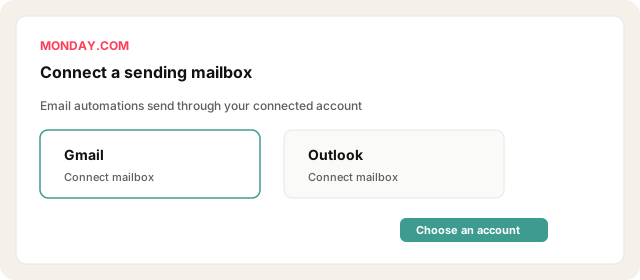
- Path A sends via your Gmail/Outlook, not a monday-owned SMTP to arbitrary addresses without that connection.
- Do not email every status flicker. Prefer Done / Blocked / Ready for review.
- Guests and permission limits may block some automations.
- Instinct is memory, not a replacement monday board.
How to send
Goal: one email lands in your bot today.
Show me how to connect Monday.com to Instinct Hide setup instructions
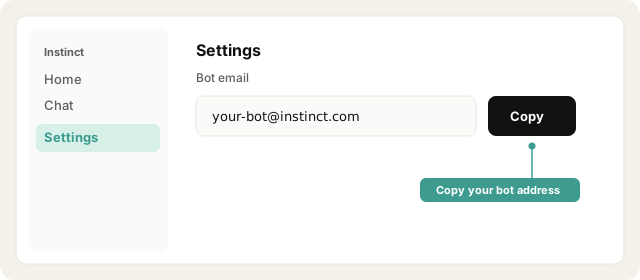
Copy your Instinct bot address from Instinct → Settings.
Open Instinct Settings Opens in a new tab
Paste the address from Instinct → Settings.
Connect Gmail or Outlook under monday email / integrations (required for send-email automations).
Open monday.com Opens in a new tab
On the board: Automate (or Integrate) → Communication / email recipe.
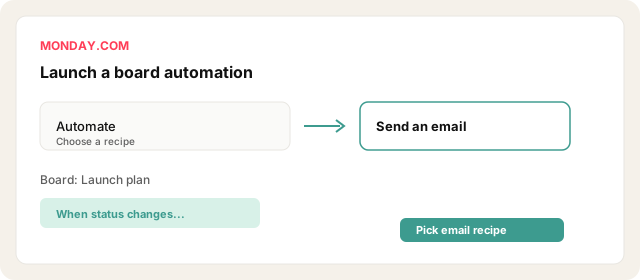
Example: When status changes to Done, send an email.
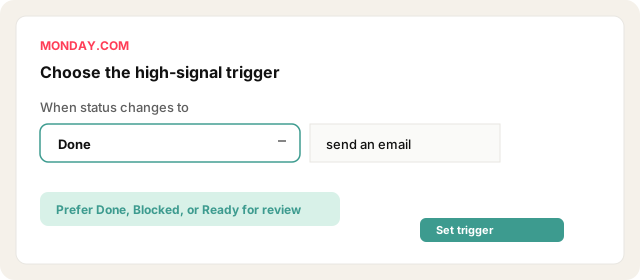
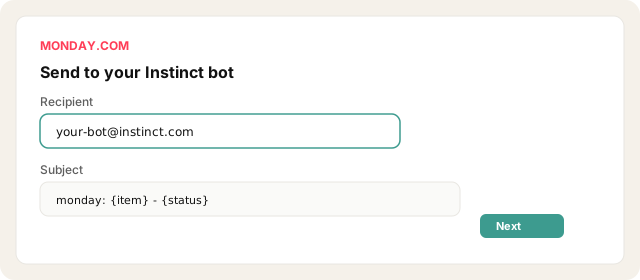
Set recipient to your Instinct bot address. Subject: monday: {item} -> {status}.
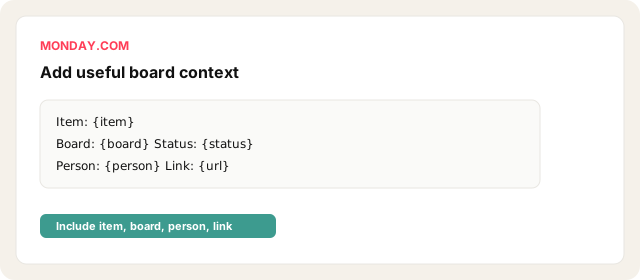
Body: item name, board, status, person, link.
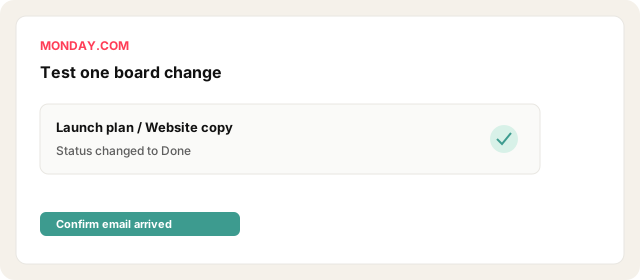
Limit to one or two boards and high-signal statuses. Test one status change.
Other ways · Forward notifications (~2 min, noisier)
Enable email notifications for assigns / mentions in monday notification settings.
Inbox-filter From: monday.com → forward to the bot.
Honest: Louder and less precise than automation email. Use if you cannot set up automations yet.
Other ways · Webhook → Zapier/Make email (~10 min)
Board webhook → Zapier Catch Hook → Send email to bot. Use when you need custom event filters beyond email recipes.
Try asking Instinct…
After a mail or two lands, try:
What monday items moved to Done today?
Was I assigned anything new on the launch board?
Summarize monday emails from this week.
Anything stuck in Blocked that you saw?


