
Meta Ads to Instinct: ad performance ready when you ask
Schedule Meta Ads reports and rule alerts to your inbox, then forward them so Instinct can cite spend and results.
Outcome
Instinct can answer "How did ads do yesterday?", "Any rule alerts?", or "Summarize the last Meta report you got?" without opening Ads Manager mid-focus.
What gets sent
- Scheduled Ads Reporting emails (CSV/XLSX link or attachment depending on Meta's mail)
- Automated Rules notification emails when thresholds fire (ROAS, spend, CPA, delivery)
- Not required: full pixel firehoses or Creative Hub exports
Tips & gotchas
- Weak path (honest): Instinct bot likely cannot be a direct Meta report recipient without ad account seats. Forwarding is expected.
- Single ad account reports only for native schedule email.
- Attach CSV when you want citeable numbers (link-only mail is weak for Instinct, same as Stripe).
- Keep rule alerts tight or Instinct will mirror every noisy threshold.
- Treat ad data as sensitive. Do not share the bot address widely.
How to send
Goal: one email lands in your bot today.
Show me how to connect Meta Ads to Instinct Hide setup instructions
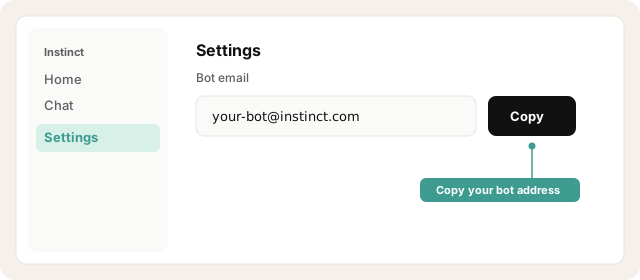
Copy your Instinct bot address from Instinct → Settings.
Open Instinct Settings Opens in a new tab
Paste the address from Instinct → Settings.
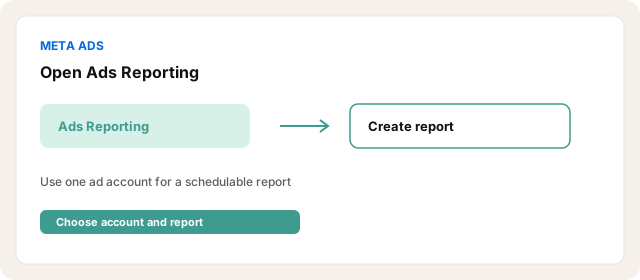
In Meta: Ads Reporting → open or create a single-account custom report (cross-account reports cannot be scheduled).
Open Meta Ads Manager Opens in a new tab
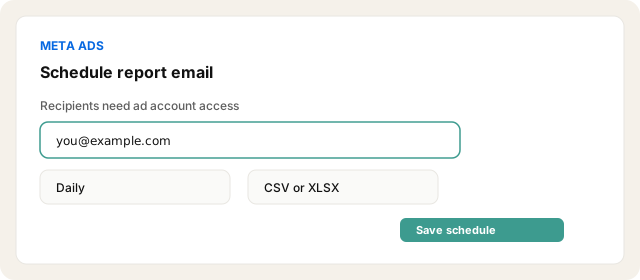
Turn on schedule email, pick daily or weekly, recipients = your Meta-access email.
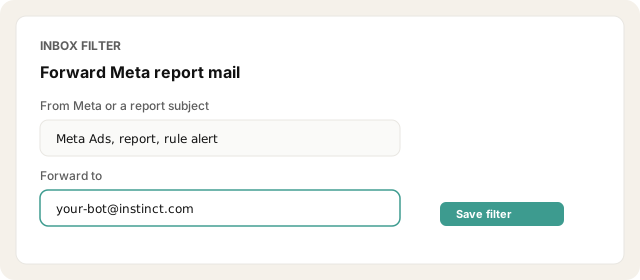
Inbox-filter From Meta / subject contains report name → forward to the bot.
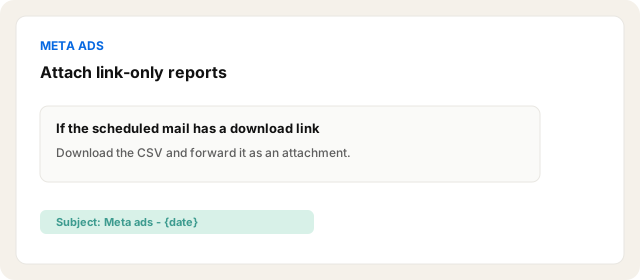
When the mail is link-only, download the CSV and forward it as an attachment with subject Meta ads - {date} (same honesty pattern as Stripe).
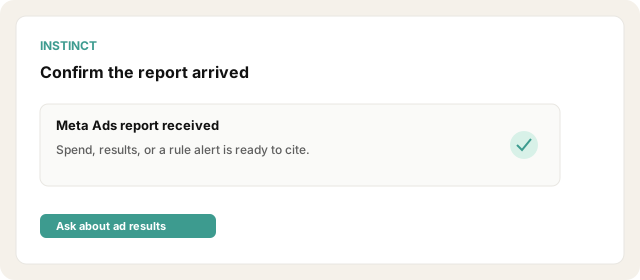
Confirm Instinct received the report or rule alert.
Other ways · Automated Rules alerts + forward (~2 to 10 min)
Ads Manager → Automated rules → create rule (example: CPA above X, or spend above Y).
Action: Send notification only (and/or pause if you want Meta to act).
Ensure email notifications are on under ad account notification settings.
Forward those alert emails to Instinct with an inbox rule.
Other ways · Manual export → forward (one-offs)
Manual Export → email yourself → forward. Fine for one-offs. Third-party reporting tools that email digests add cost and are not required for MVP.
Try asking Instinct…
After a mail or two lands, try:
How did Meta ads look in the last report?
Any automated rule alerts since yesterday?
Summarize spend and results from the file I forwarded.
Did anything breach CPA or ROAS rules this week?


